Getting started with Apollo
Last updated: April 22, 2026
Step 1: Generate an API Key in Apollo
Log in to your Apollo account.
Navigate to the Settings page Intergration.
Click Connect beside Apollo API.
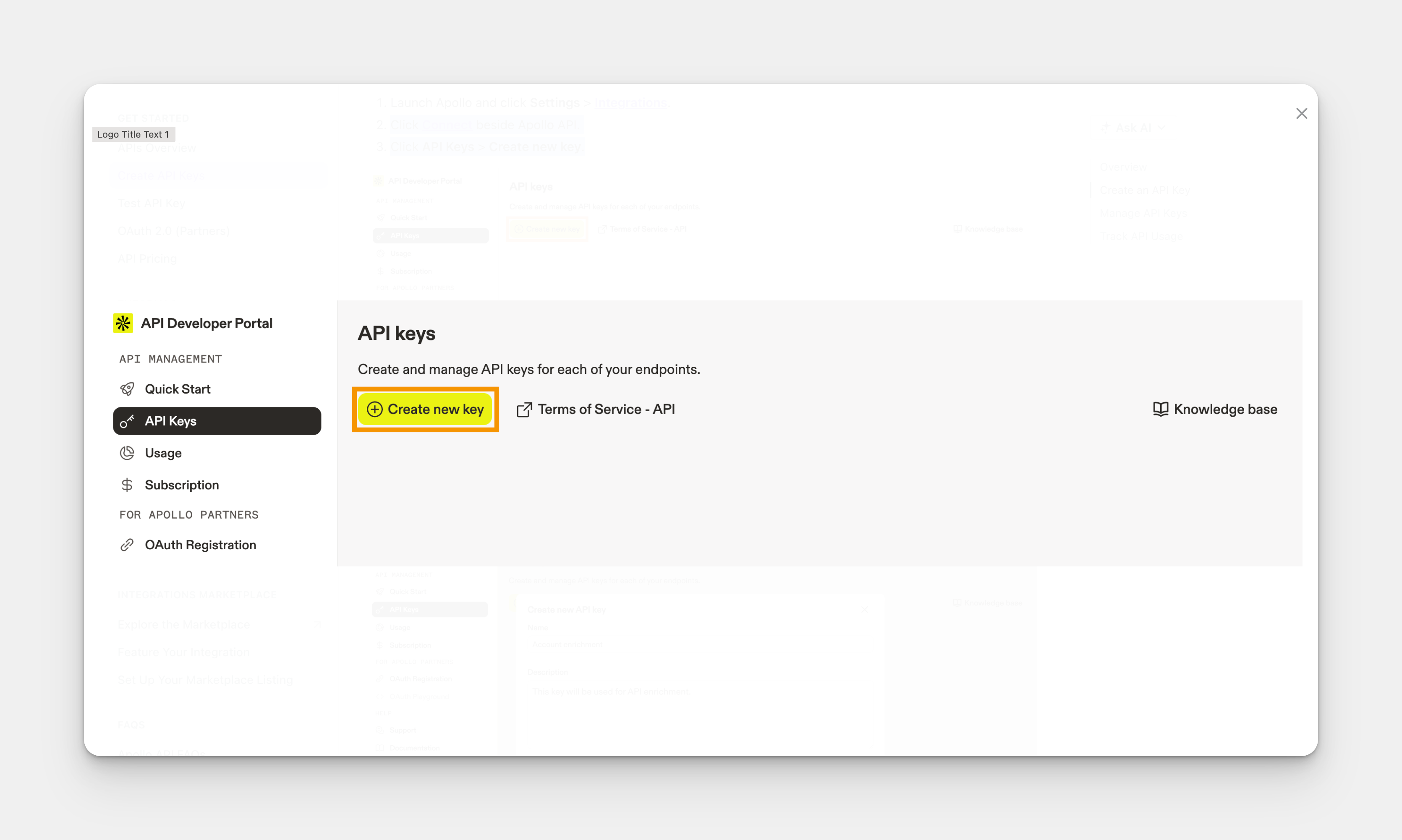
Click API Keys > Create new key.
Step 2: Connect Amplemarket to Salesfinity
Copy the API key you just generated.
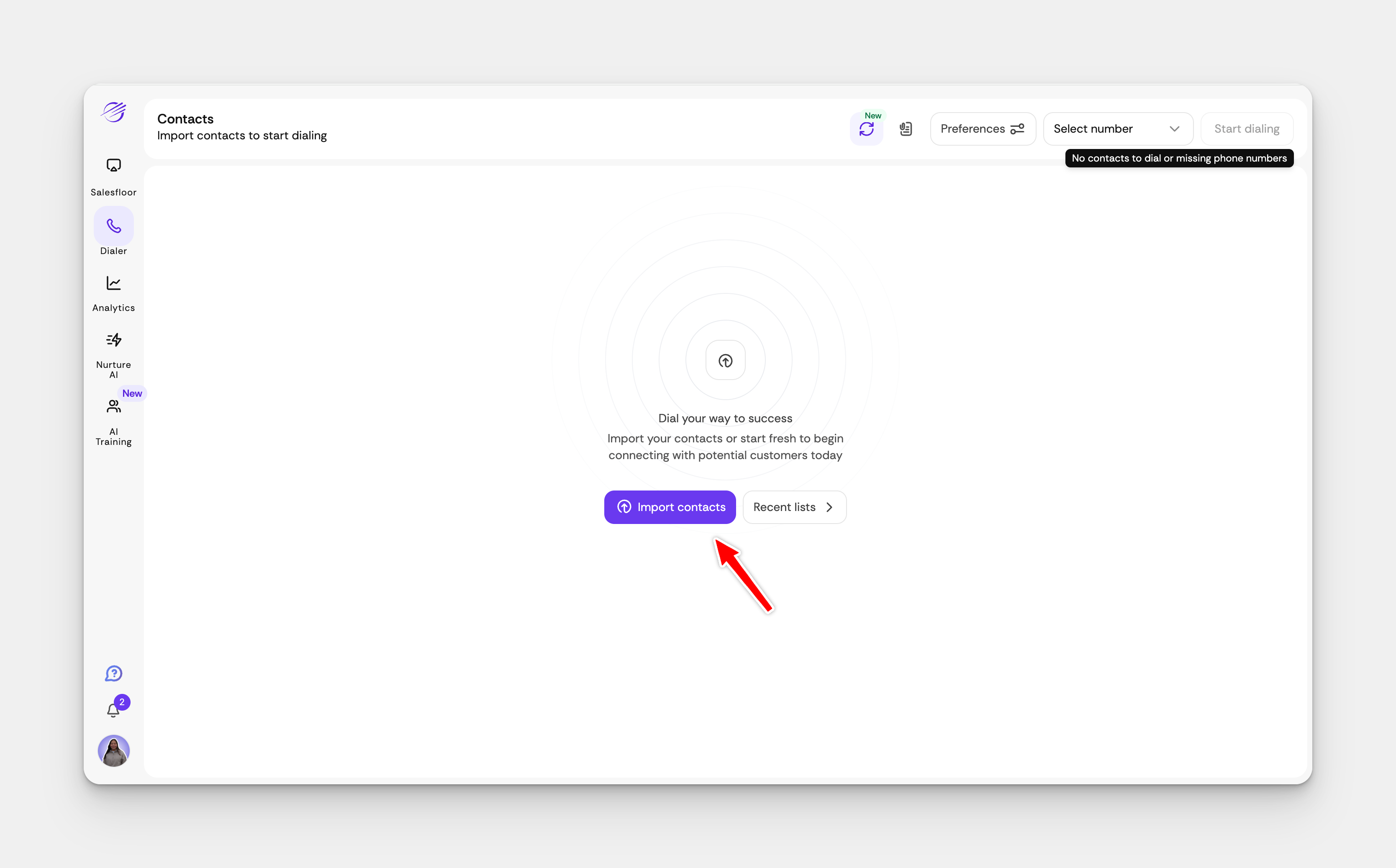
Open your Salesfinity dashboard and click on Import Contacts.
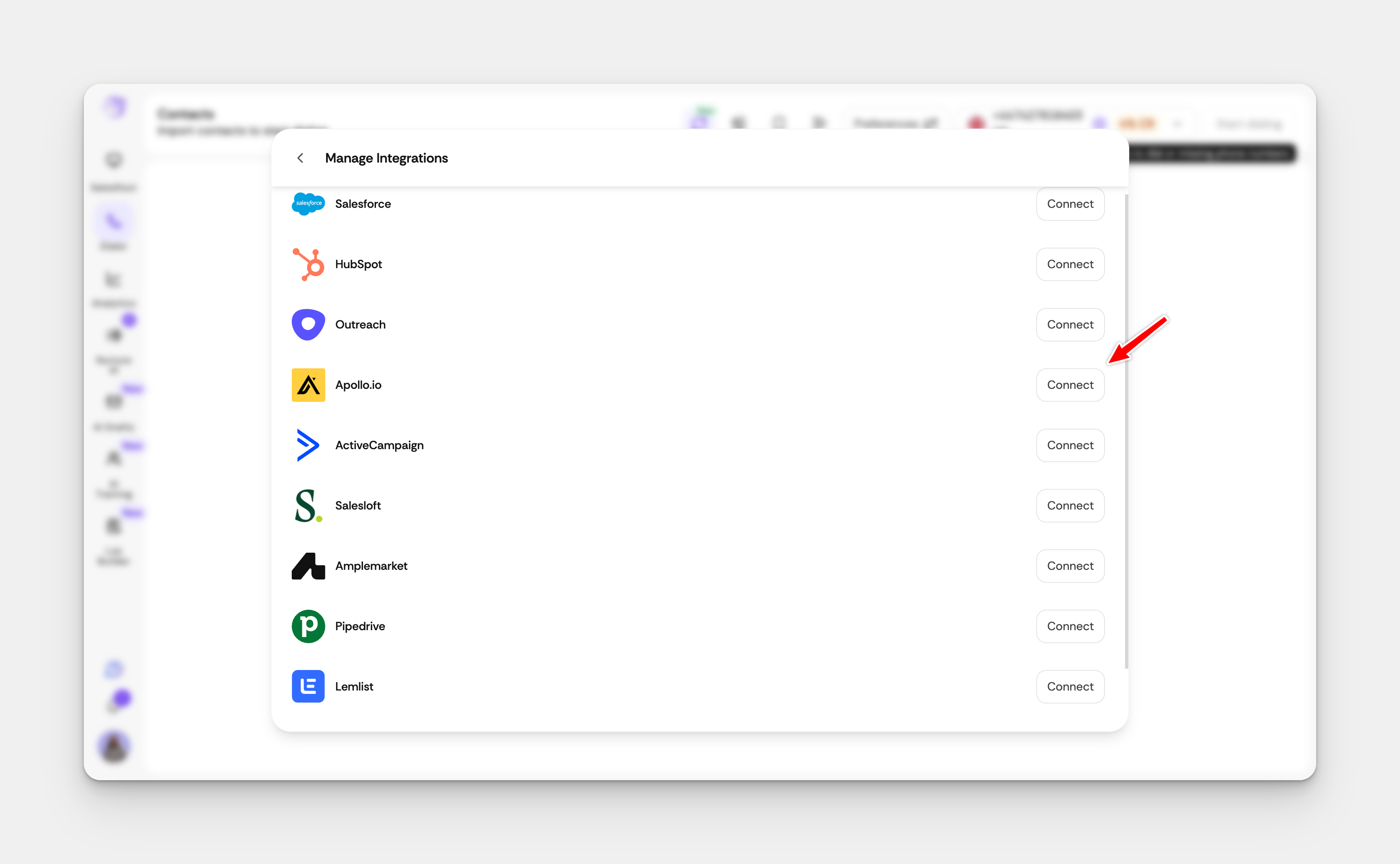
Find the Apollo Integration section and click Connect.
Paste the copied Apollo API key into the provided field.
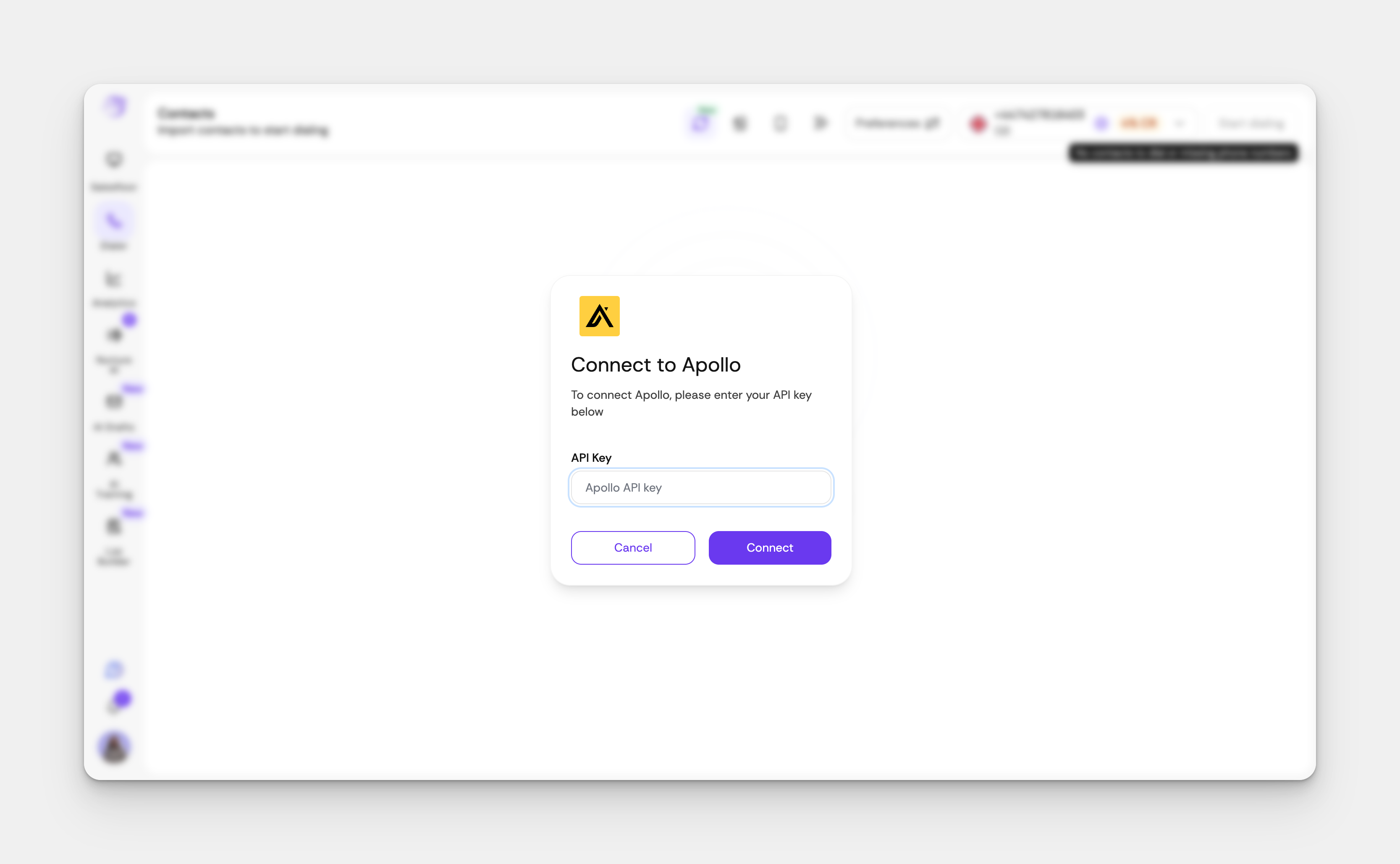
Click Connect to complete the integration.
You're All Set!
Once the integration is active, you can start importing due call tasks directly from Apollo to Salesfinity.