Getting Started with CSV Files in Salesfinity
Last updated: April 22, 2026
Step 1: Connect A CSV File to Salesfinity
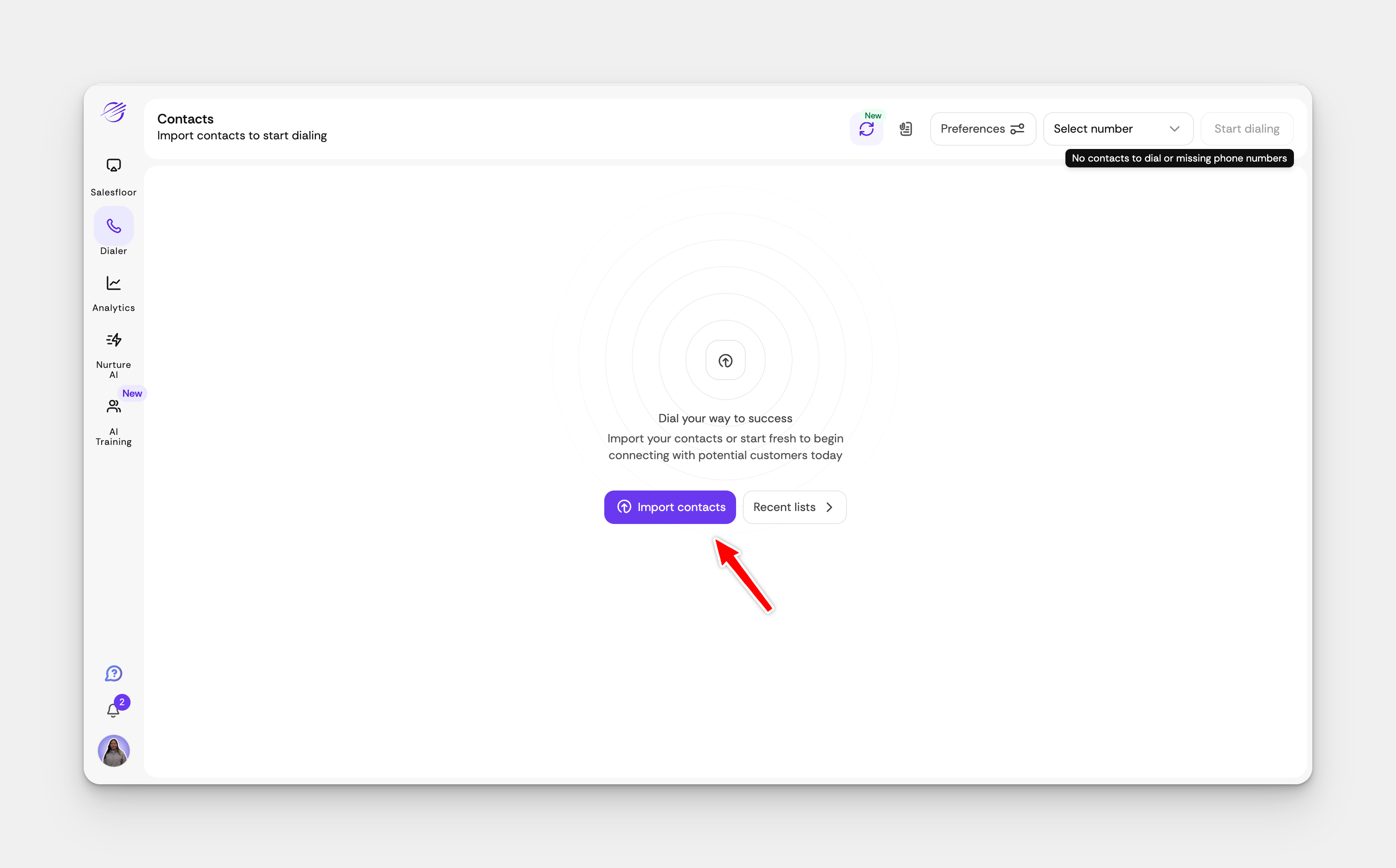
Open your Salesfinity dashboard and click on Import Contacts.
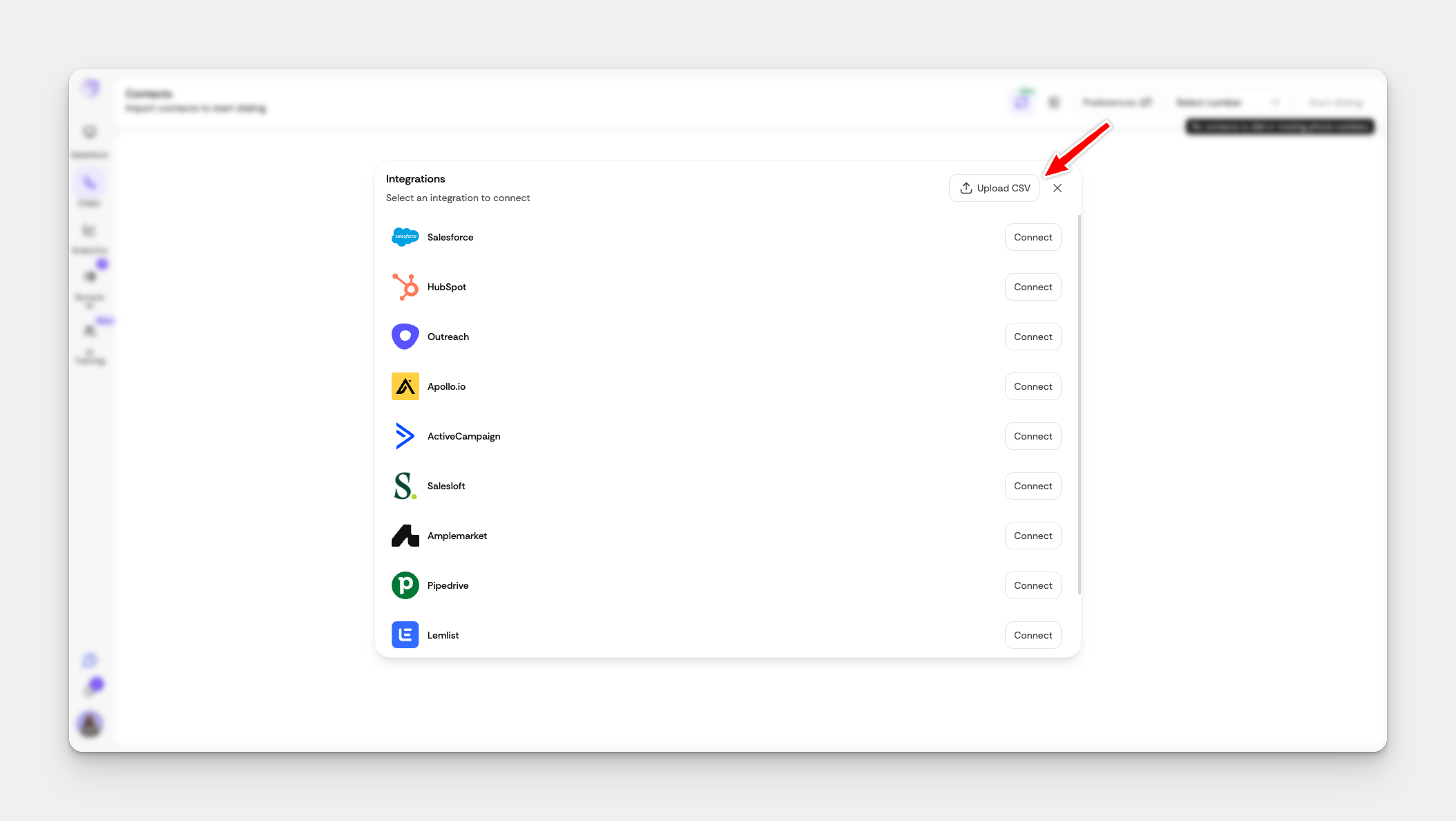
Find the CSV File section and click Connect.
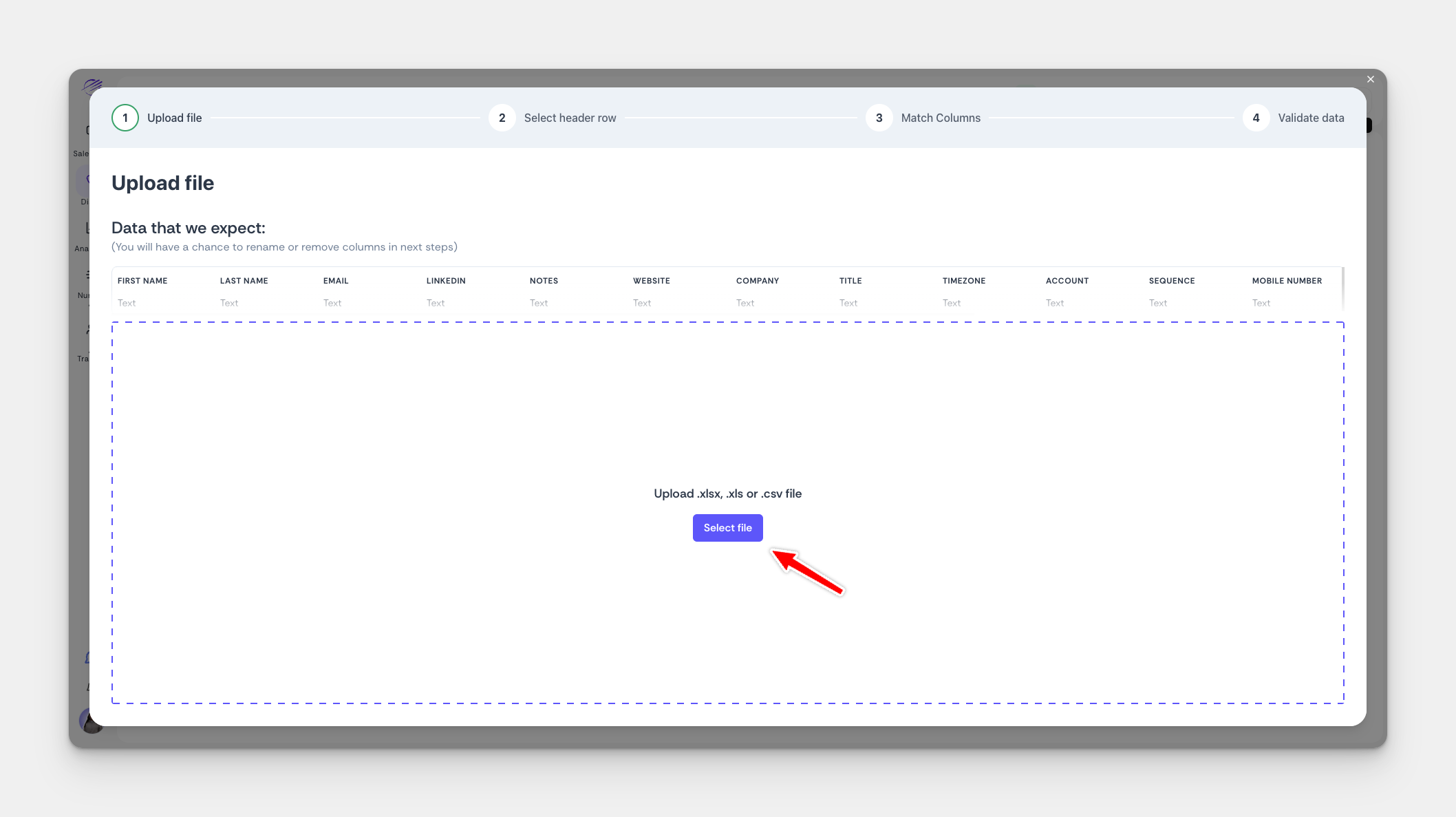
Select the file you want to upload from your computer.
Then click Next.
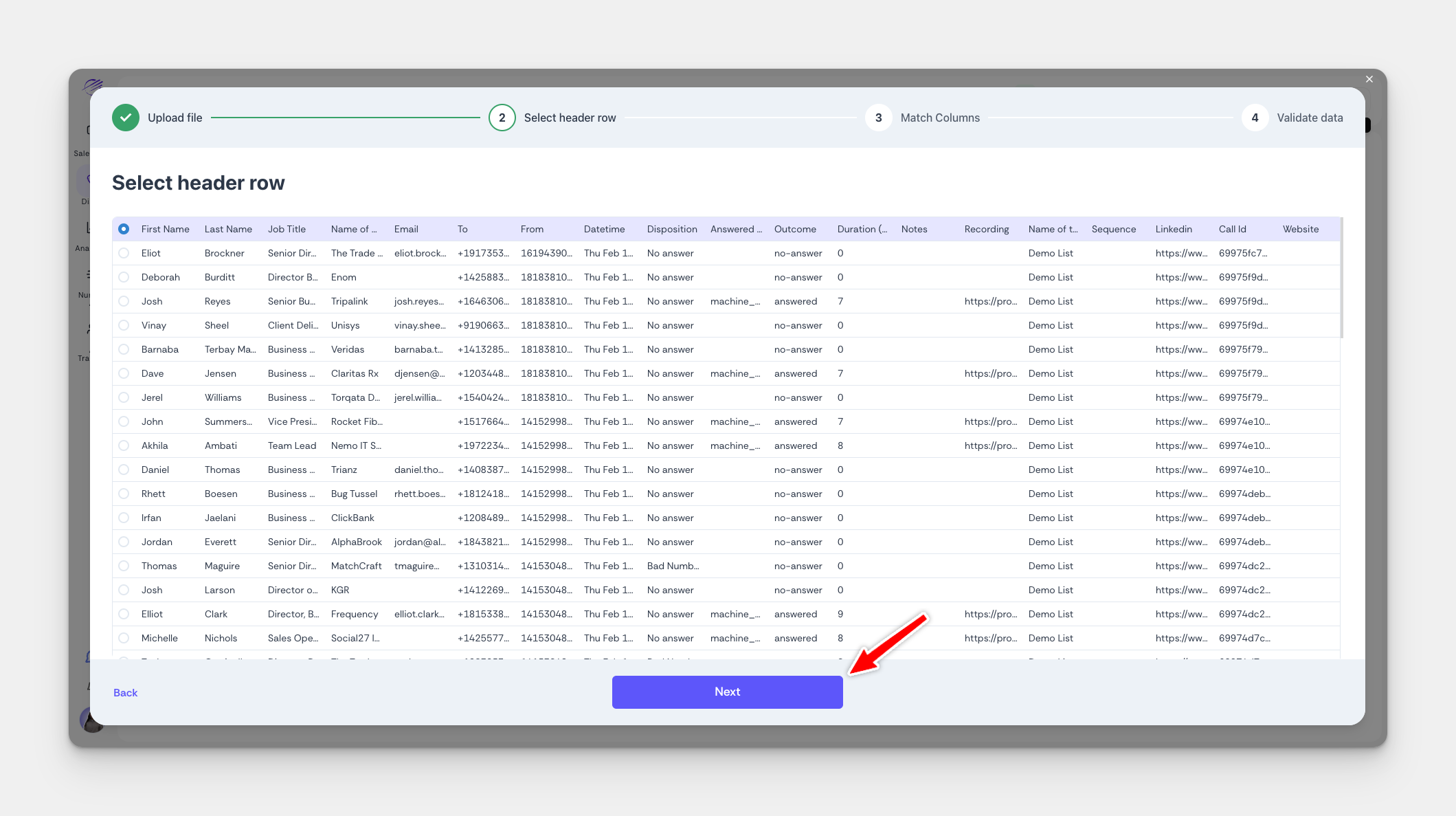
Finally match the Table to the Correct Field and select Next and Confirm
Step 2: Adding Custom Fields
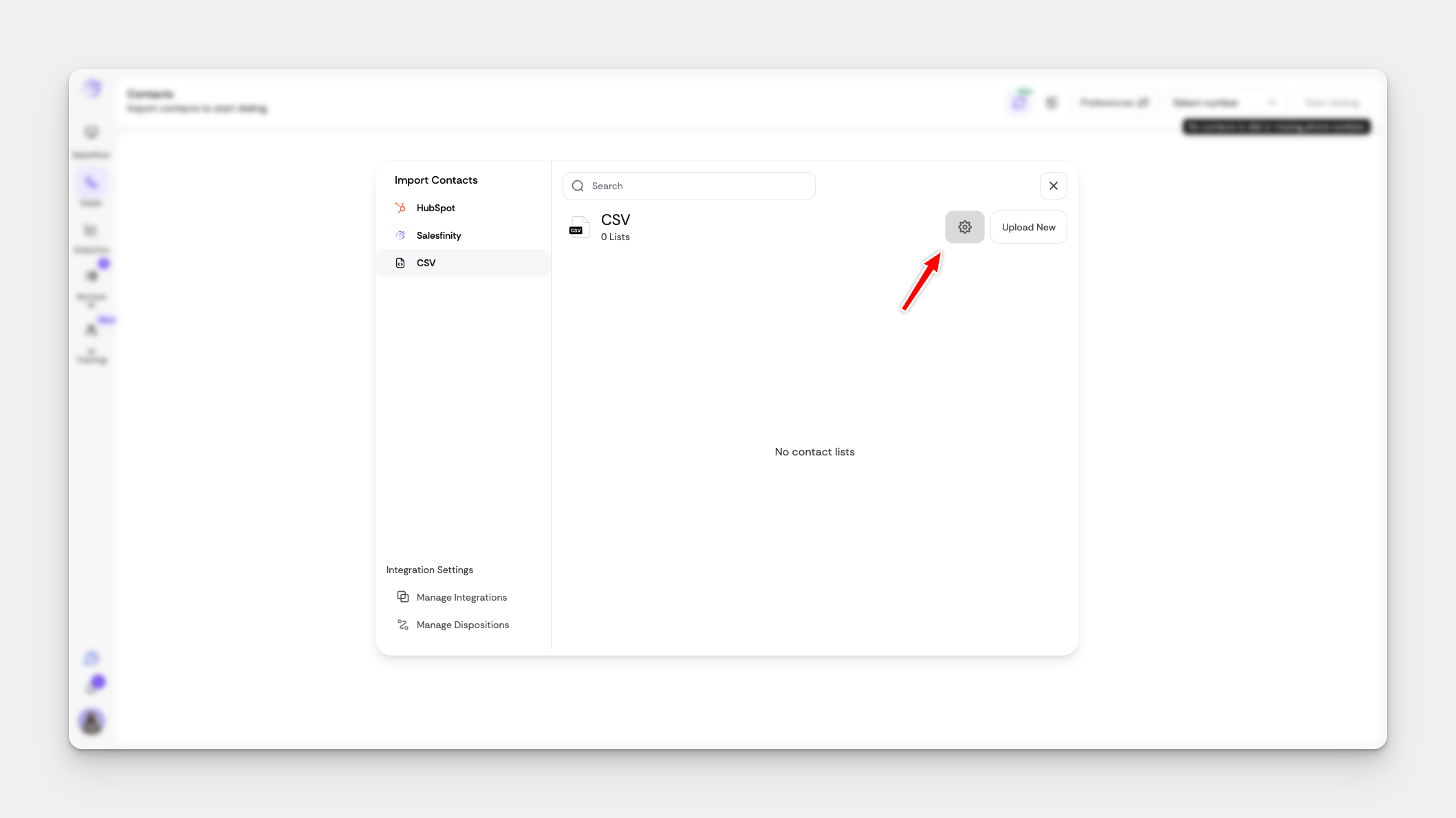
Navigate to Import Contacts

Select the Gear Icon
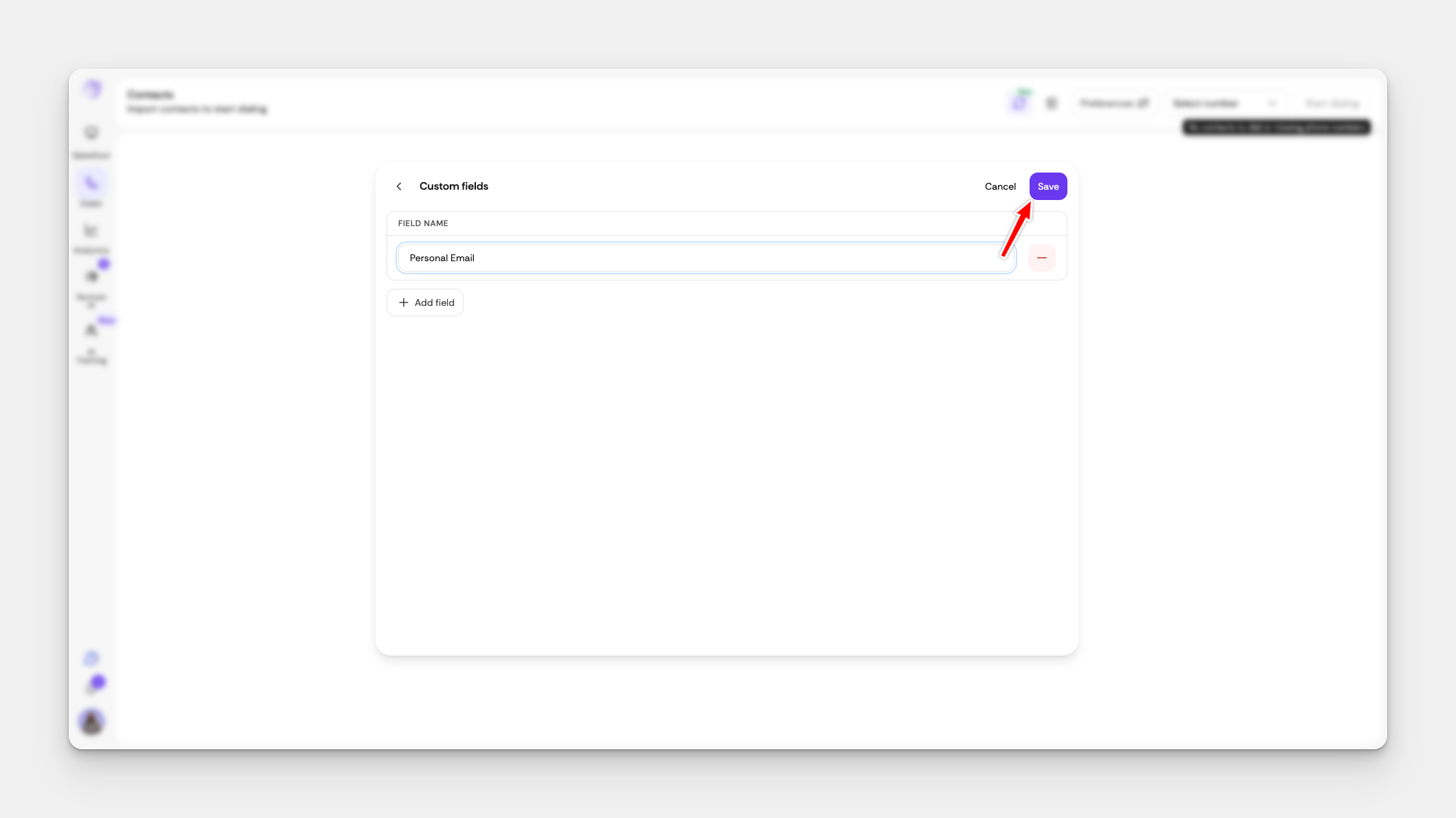
Add Custom Fields
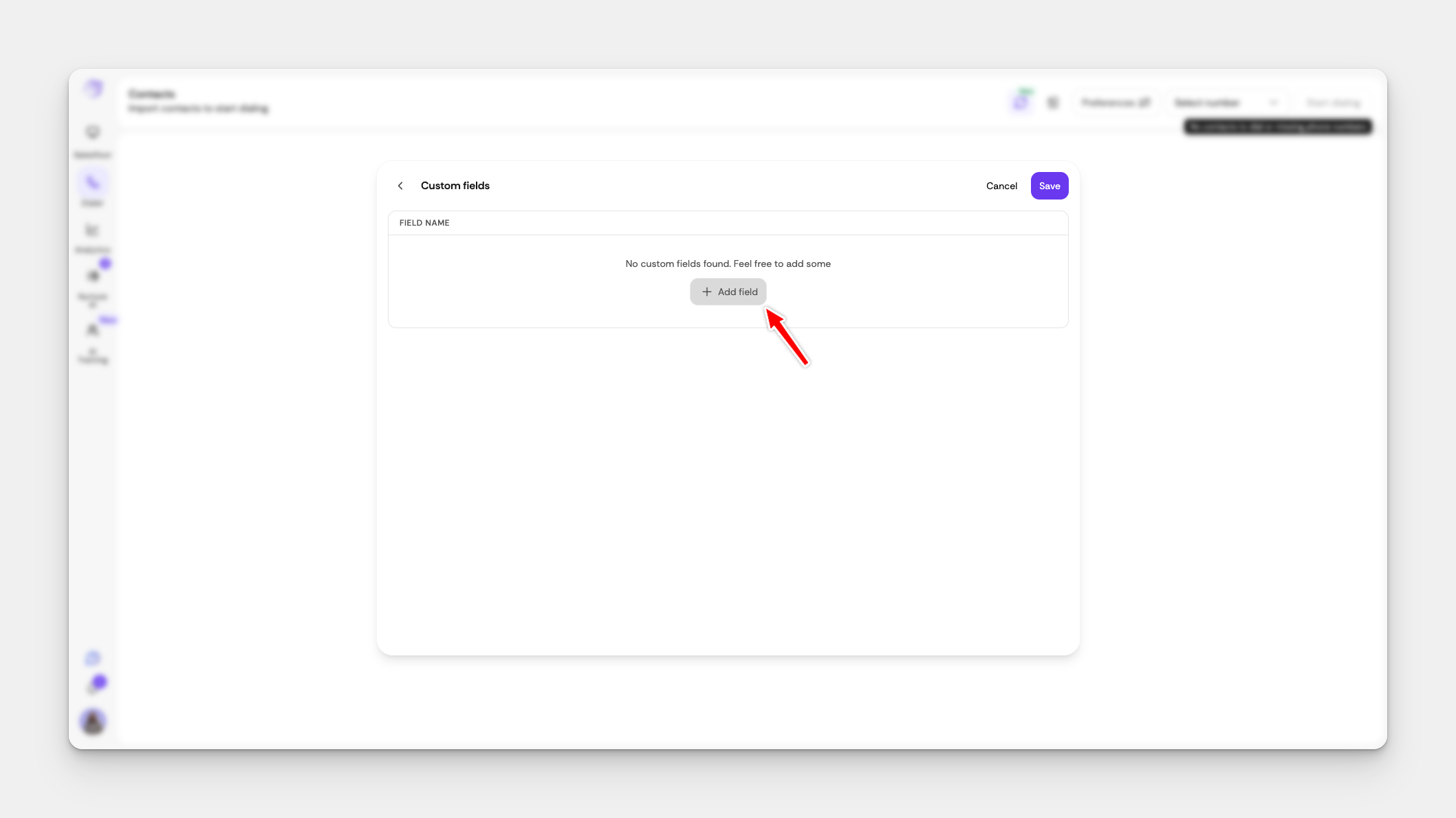
Then select Save