How to Fix this “Site Can’t Be Reached" Message
Last updated: April 23, 2026
✅ Quick Fix: Update Your DNS Settings
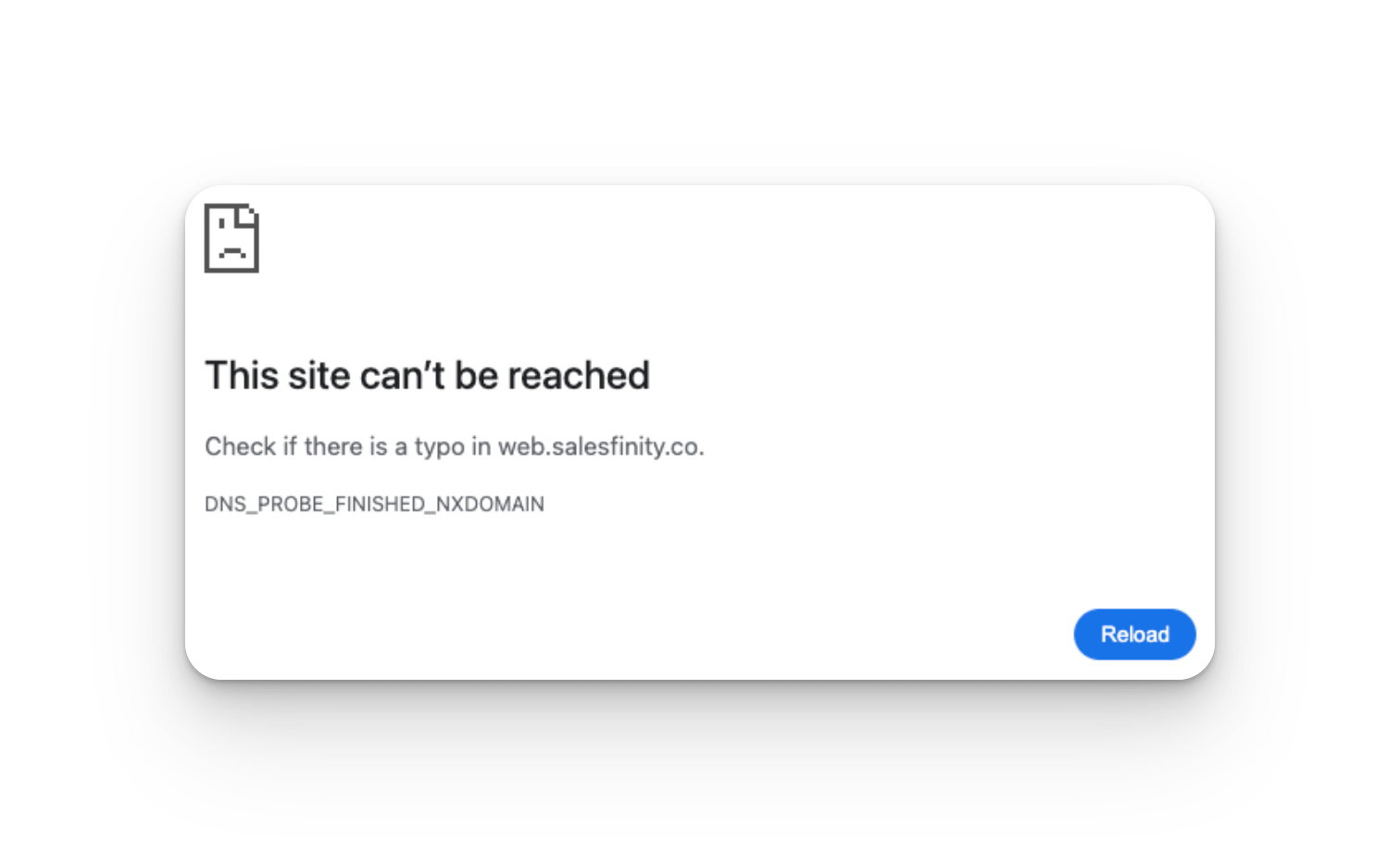
If you see an error like This site can’t be reached please follow the steps below to fix it. This is typically a network (WiFi) issue, not a problem with your browser or device.
🍎 On Mac
Open System Settings
Click Network
Select your WiFi
Click Details
Go to the DNS tab
Click the + button and add:
8.8.8.88.8.4.4
Click OK → Apply
Refresh the page
🪟 On Windows
Open Control Panel
Click Network & Internet
Click Network and Sharing Center
Click your WiFi network
Click Properties
Double-click Internet Protocol Version 4 (IPv4)
Select Use the following DNS server addresses
Enter:
Preferred:
8.8.8.8Alternate:
8.8.4.4
Click OK
Refresh the page
❓ Why This Happens
DNS records expire and refresh automatically
ISPs and networks update filters in the background
Routers can cache bad data without you knowing
💬 Still Need Help?
If the issue continues after updating your DNS, reach out to our team and we’ll help troubleshoot further 👍